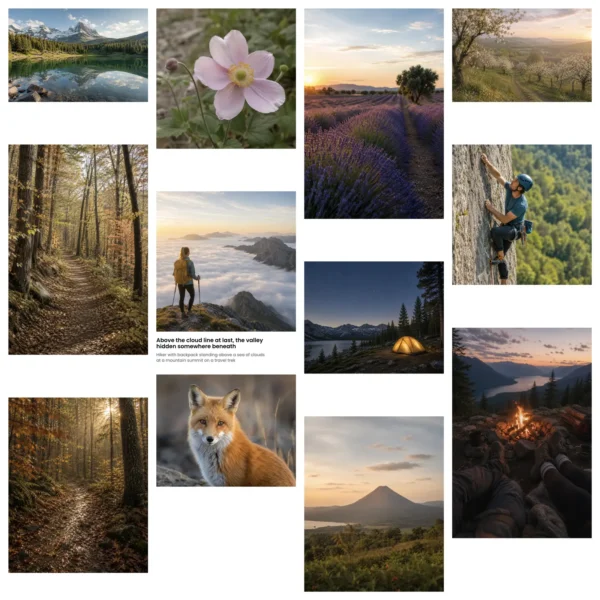
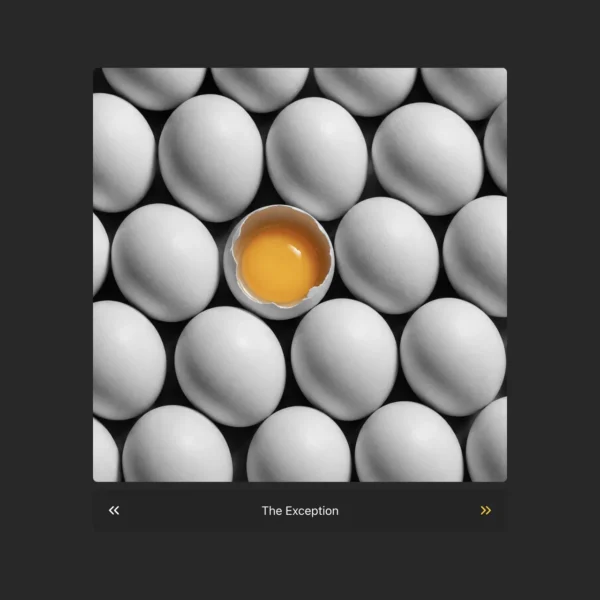
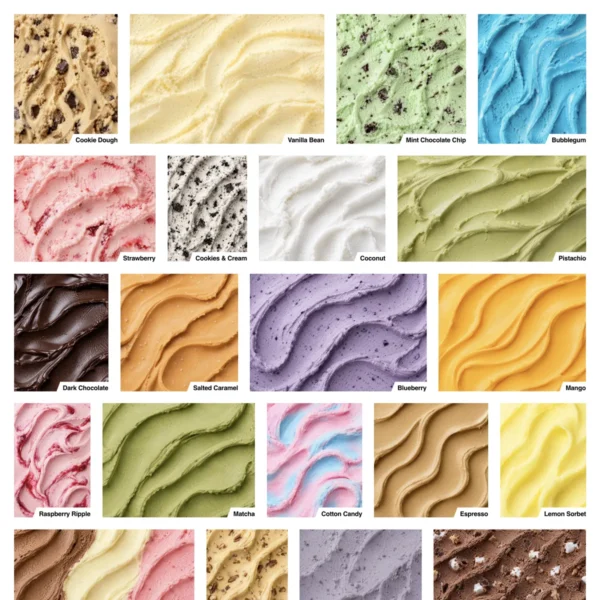
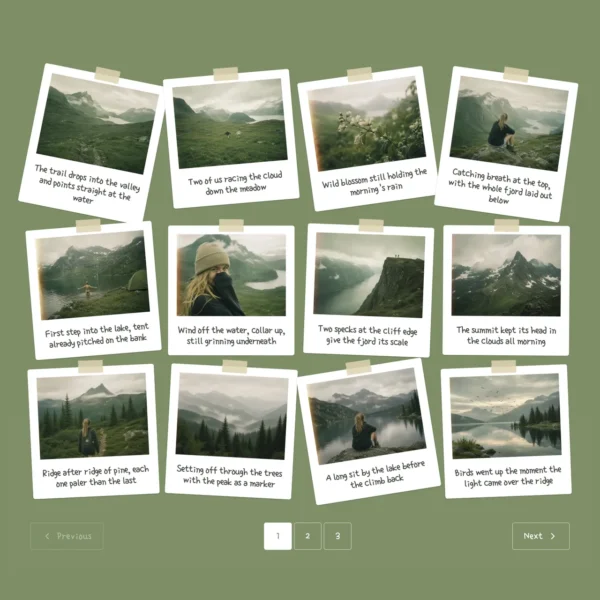
Templates designed for any use case - commercial, portfolio, editorial, product, architecture, and events - not abstract style names.
Every template renders against your actual gallery before you commit. No surprises after install - and zero theme-clash debugging.
Adjust spacing, colors, hover effects, captions, and overlays from the same panel.
Style one campaign or client gallery, then reuse it as a polished starting point for future projects.
A drag-and-drop interface your clients can manage on their own – and a REST API, custom hooks, filters, and CSS controls that developers depend on. FotoGrids grows with you from first install to enterprise deployment.
Nine display modes built for different stories. Each one responsive, each one pixel-perfect. Pick the one that fits and fine-tune spacing, aspect ratios, and hover effects without writing a line of CSS.
Full-screen viewing with swipe gestures, keyboard navigation, deep-zoom, and auto-captions – all built in. Works on every device, loads instantly, and respects your visitors’ accessibility out of the box.
Bulk-upload from your client folder or Lightroom export. EXIF, captions, and date order are preserved - no manual drag-and-drop, no file-by-file rename.
Add a custom cover, project introduction, contact CTA, and SEO details so every album has the context it needs.
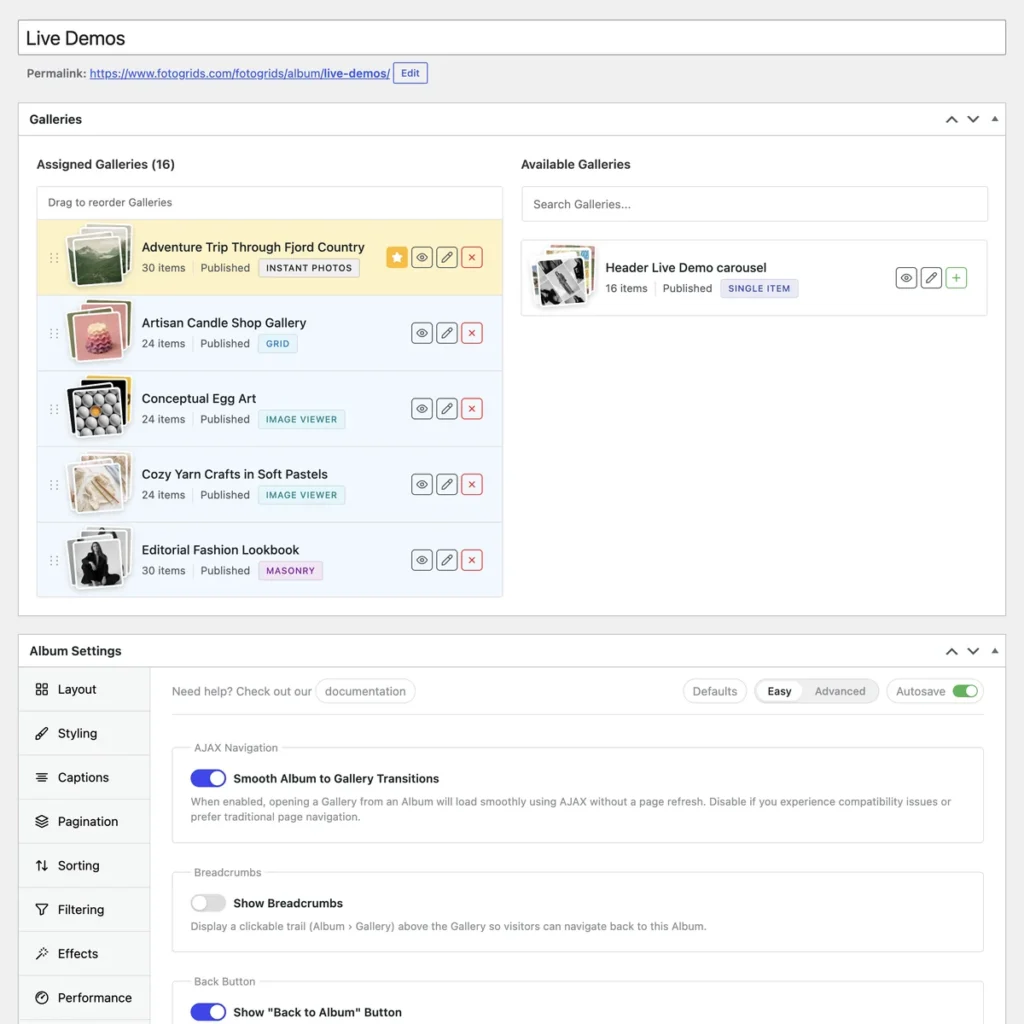
Keep client proofs private, publish a portfolio openly, or hold a campaign until launch day - all from the same album panel.
Drag an album to the top of the year. Apply a watermark to all of 2025 in one action. Rename twenty albums on a season cleanup without touching individual photos.
Build professional galleries, case studies, team pages, and event coverage with layouts, branding, templates, and SEO tools included. Upgrade when you’re ready for advanced analytics, AI-powered SEO, premium templates, and workflow automation.
FotoGrids uses lazy loading, responsive images, and built-in caching to reduce unnecessary page weight. WebP and AVIF automatic image optimization is available on supported plans.
Yes, on Pro Plus and above. We hand off to native WooCommerce, so your existing checkout, taxes, and payment processor work as-is. Per-image pricing, license tiers, and secure download tokens are included.
Generate a private link with optional expiry. Clients can star, favorite, comment, and approve from any device without creating an account. Their selections appear in the WP-Admin proofing panel.
Yes. Watermarks are baked into every public-facing render of the image. Originals stay clean on your server – only authorised users (e.g. paid customers via WooCommerce) get the unwatermarked file.
All three, plus a native Gutenberg block. Each has a dedicated widget/element with the same control surface, so a gallery you build in Elementor renders identically in Divi or Bricks if you migrate later.
Yes – the migration assistant supports NextGEN, Envira, FooGallery, Modula, and any plugin that exposes a media-library tag. Captions, alt text, EXIF, and album structure all come across.